

Offered by the Service Bureau our Digital Storefront allows students, faculty, staff and alumni to order printing services 24/7 from within the college on the schools intranet.
Our Digital Storefront offers a quick and easy print ordering experience similar to other online retail stores that you may be familiar with.
To get started follow these simple steps.
1. Service Bureau Online Submission (URL)
http://sbureau.artic.edu
2. Default Username
Your username is the same as your SAIC username.
3. Default Password
Your password is the same as your SAIC password.
Getting Started
Once you have entered the url for our submission page and authenticated via SAIC’s login page the Service Bureau’s Digital Storefront will load.
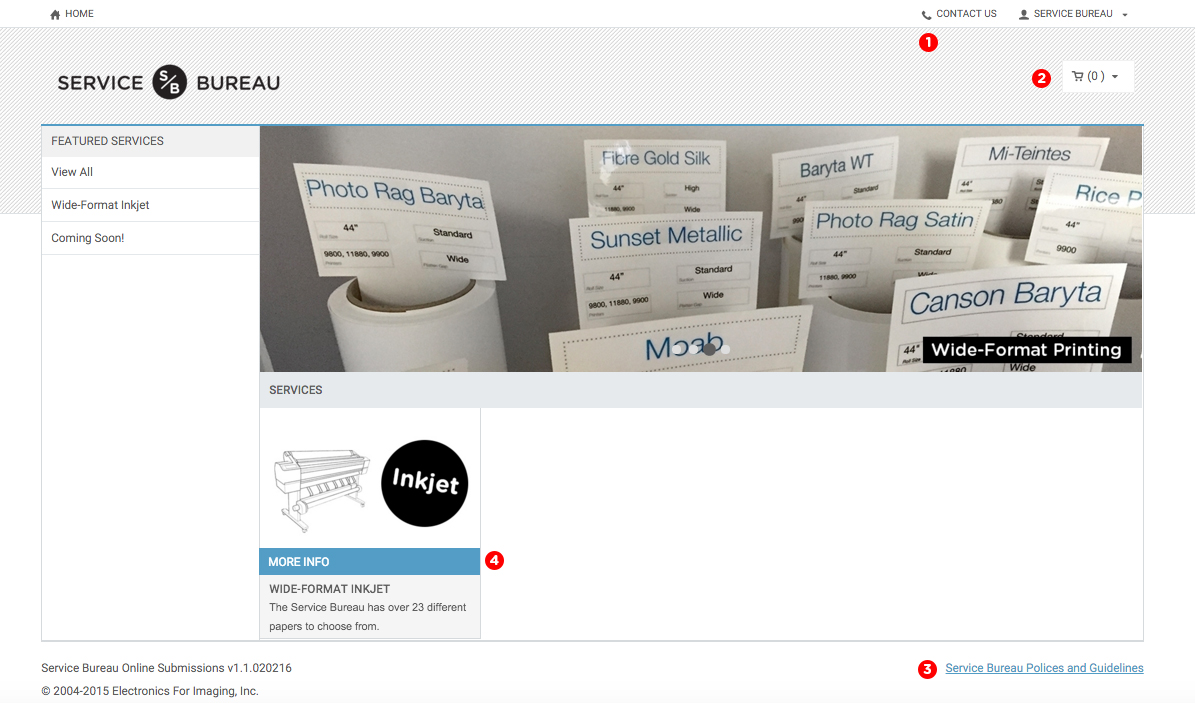
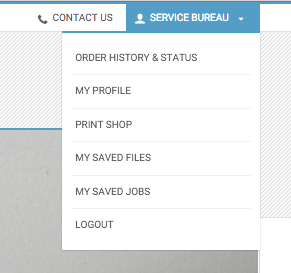
 At the upper right hand corner you will see a Contact Us with the Service Bureau’s email and phone in case you have any questions. You should also see your name with a small arrow indicating a drop down menu.
Here you will find helpful information about your past and current order status (Order History & Status) and links for your Saved Jobs and Saved Files. We will touch on these later in the process. It is also where you can logout once you are done with your submission.
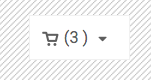
 The upper right hand corner is also where you will see your cart. This is available from every page and by clicking on it you can view jobs you have saved to your cart and jobs in progress.
 In the bottom right hand corner there is a quick link to the Service Bureau’s Policies and Guidelines. Please familiarize yourself with our policies regarding such topics as payment options, minimum charges and our reprint policy.
 All orders must be placed through the Digital Storefront. Click on a service to see more information about options, file setup requirements, and links to setup guides. If no services show up here click ‘View All’ near the top left side of the screen.